
How to renew Let's encrypt certificate for PRTG
In one of the last posts I’ve showed you how to install Let’s encrypt certificate on PRTG. As Let’s encrypt certificate is valid for only 90 days, now it’s time to renew it. Process is simple, but require some manual work.
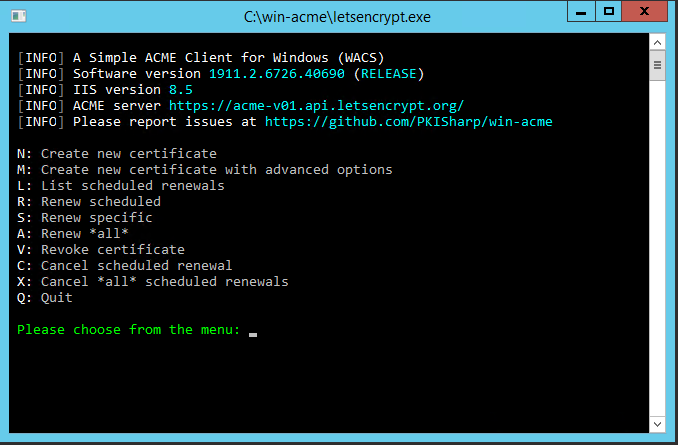
Start letsencrypt.exe and choose S for Renew specific
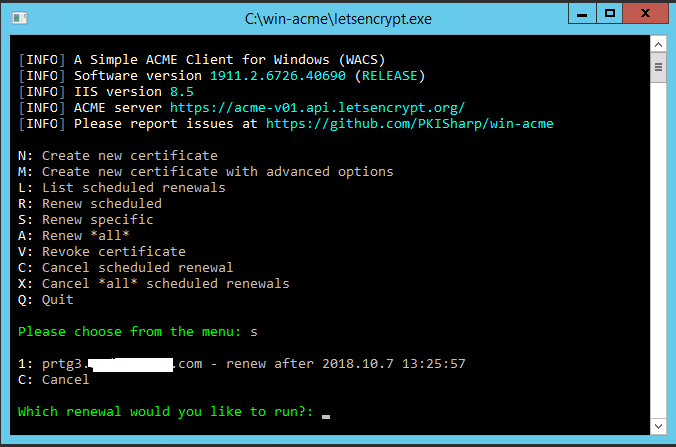
Enter the number of the certificate you wish to renew
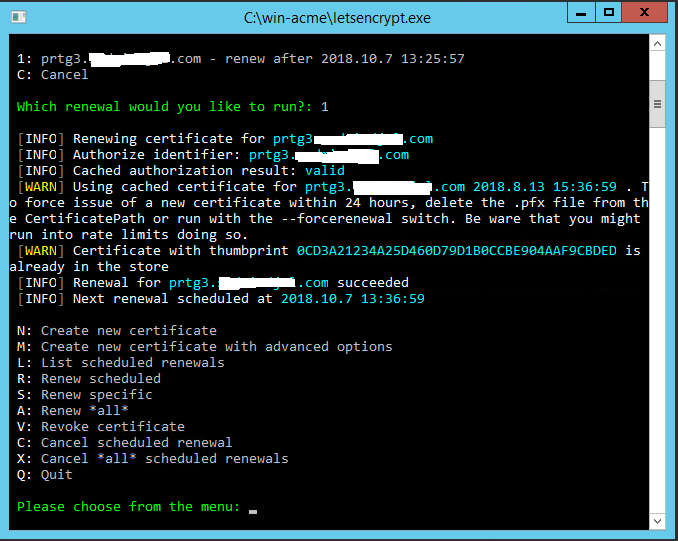
If certificate renew process went successful, you’ll see this screen
Now open PRTGCertImporter.exe and import certificate like in previous post.